Sentence Splitter
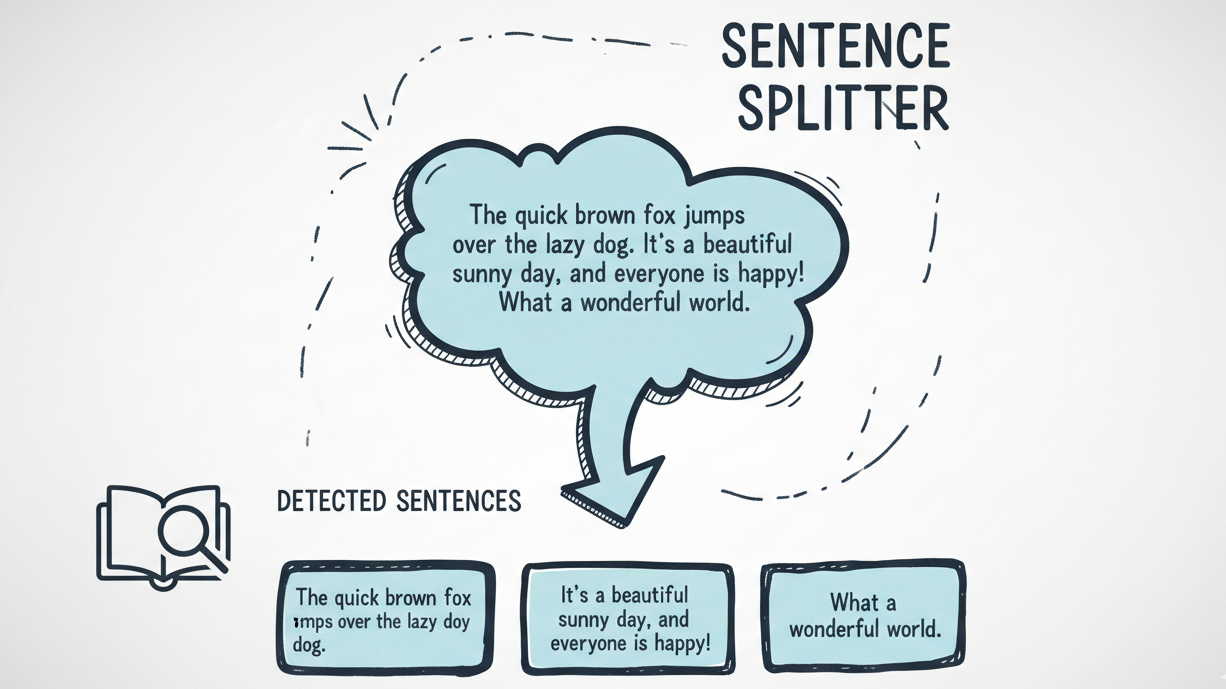
The Art of Precise Sentence Splitting ✂️
Splitting text by periods is like trying to perform surgery with a butter knife: it barely works and makes a mess. Abbreviations get misinterpreted, sentences get cut mid-thought, and your NLP models end up confused.
This problem has a name: Sentence Boundary Disambiguation. That's where SentenceSplitter comes in.
Think of it as a skilled linguist who knows where sentences actually end. It handles grammar, context, and those tricky abbreviations (like "Dr." or "U.S.A.") without breaking a sweat. Supports 60+ languages out of the box.
What's Under the Hood? ⚙️
The SentenceSplitter is a sophisticated system:
- Multilingual Support: Handles over 60 languages with intelligent detection. See the full list.
- Reliable Fallback: For unsupported languages, a rule-based fallback kicks in.
- Output Refinement: Removes empty sentences and fixes punctuation.
Auto language detection requires the [lang-detect] extra
When you use lang="auto", the splitter needs py3langid to detect the language of your text. This is not installed by default, so install it with:
If you only need specific languages (e.g. lang="en"), the default install is enough.
Example Usage
Split Text into Sentences
Here's a quick example of how you can use the SentenceSplitter to split a block of text into sentences:
- Auto language detection: Let the splitter automatically detect the language of your text by setting
lang="auto"in the constructor. For best results, specify a language code like"en"or"fr"directly in the constructor.
Click to show output
2025-11-02 16:27:29.316 | INFO     | chunklet.sentence_splitter.sentence_splitter:split_text:158 - Language detection: 'en' with confidence 10/10.
2025-11-02 16:27:29.447 | INFO     | chunklet.sentence_splitter.sentence_splitter:split_text:166 - Text splitted into sentences. Total sentences detected: 19
She loves cooking.
He studies AI.
"You are a Dr.", she said.
The weather is great.
We play chess.
Books are fun, aren't they?
The Playlist contains:
- two videos
- one image
- one music
Robots are learning.
It's raining.
Let's code.
Mars is red.
Sr. sleep is rare.
Consider item 1.
This is a test.
The year is 2025.
This is a good year since N.A.S.A. reached 123.4 light year more.
Splitting Files: From Document to Sentences 📄
Need to split a file directly into sentences? Use split_file:
Click to show output
API Reference
For complete technical details on the SentenceSplitter class, check out the API documentation.